Getting Started with Visual Studio Code (VS Code)
I highly recommend using Visual studio code as your code editor.
Outline
What is a Code Editor?
- i.e. Source-code editor
- A code editor is a text editor program designed specifically for editing source code of computer programs.
- Can be a standalone application, in an integrated development environment, or web browser
What is Visual studio code?
- i.e. VS code
- One of the best code editors in the market.
- Made by Microsoft but free
- Has powerful extensions to make developing easier.
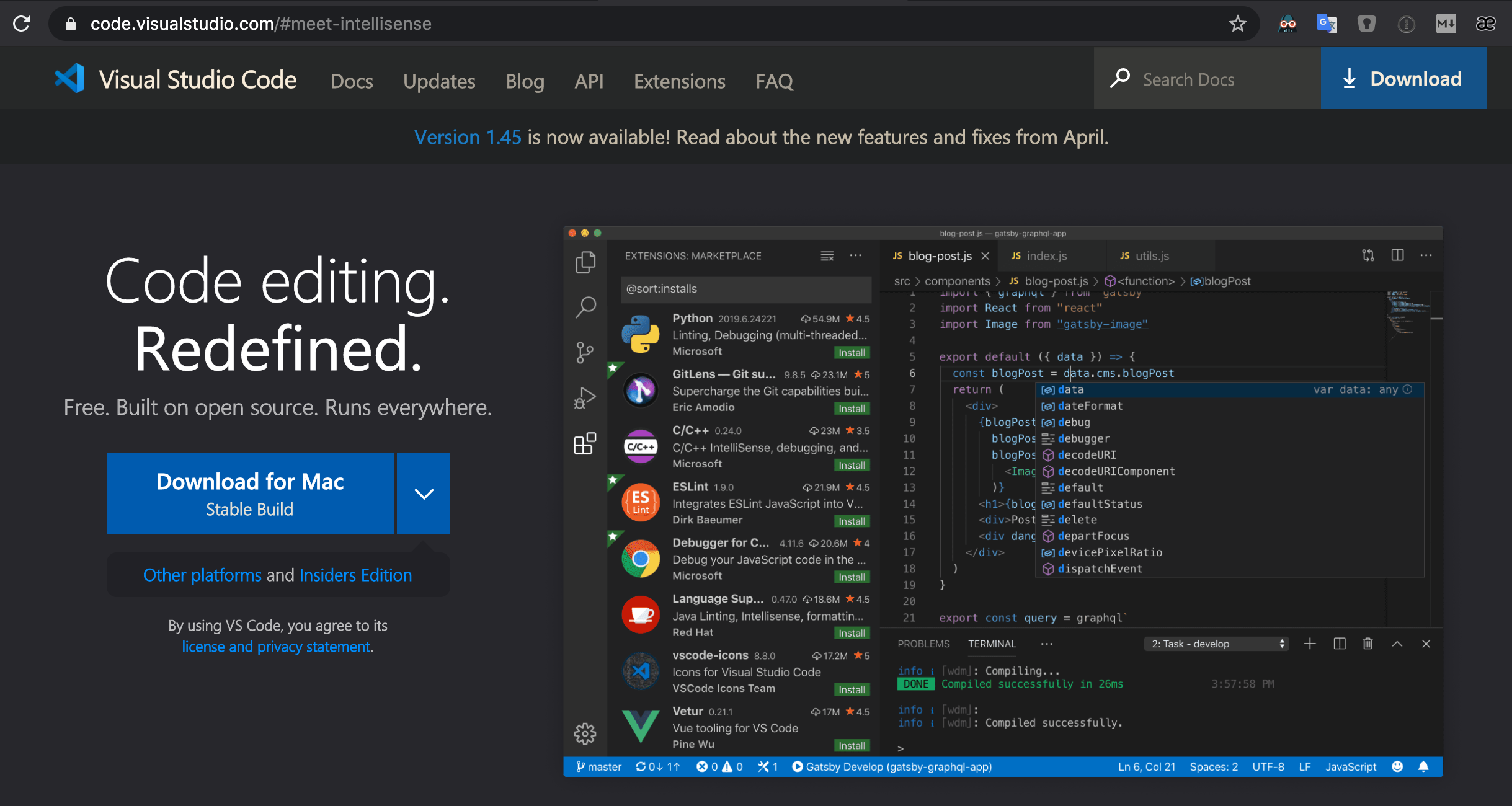
- Download: code.visualstudio.com
Recommended VS Code Extensions
| VS Code Extension Link | Reason |
|---|---|
| Highlight Bad Chars | Makes zenkaku-Space (double-byte-whitespace) visible. |
| Trailing Spaces | Highlights trailing spaces and allows for simple all trailing space delete command. |
| Settings Sync | Backup & Sync your VS Code settings and Extensions by storing the setting JSON file as a secret GitHub Gist. |
| Replace curly quotes | Replaces all curly quotes(', ', ", ") in a document with straight quotes(', "). |
| Rainbow CSV | Makes it easier to read and edit CSV and TSV files |
| Markdown All in One | Amazing tool that has all the features you need when writing Markdown files! |
| Live Server | Launch a local development server with live reload feature for static & dynamic pages. Perfect when working on HTML. |
| Github Markdown Preview | View your Markdown file as they would on GitHub. |
| DupChecker | Check duplicate lines in the file content or selection, and remove them if you need to keep the unique lines only. |
| Community Material Theme | Makes your VS Code prettier to look at! |
| Code Spell Checker | Great spell checker for programmers as it works well with camelCase code and keeps false positives pretty low. |
| Code Runner | Useful in running Python and JavaScript code locally for a quick check. |
| Bracket Pair Colorizer | Matching brackets are identified with colours. |
| Beautify | Beautify javascript, JSON, CSS, Sass, and HTML. |
| :emojisense: | Autocomplete for emoji |
| Auto Close Tag | Automatically add HTML/XML close tag. |
| Auto Rename Tag | Automatically rename paired HTML/XML tag, same as Visual Studio IDE does. |
| Markdown Paste | Smartly paste images in Markdown with Markdown Paste command |
| Open in GitHub Desktop | Open the GitHub Desktop App easily from VS Code |