Getting Started with HTML + CSS
- Here is a compilation of resources for learning how to build your own website
- Goal: Build your own multi-lingual website to teach Japanese + English
Step Overview
- Step 0 - Tools & Environments
- Step 1 - What is HTML & CSS anyway?
- Step 2 - Alright, let's build a webpage
- Step 3 - Publish on GitHub Page
- Step 4 - Hugo!
Step 0 - Tools & Environments
Code Editor - Visual studio code
What is a Code Editor?
- i.e. Source-code editor
- A code editor is a text editor program designed specifically for editing source code of computer programs.
- Can be a standalone application, in a integrated development environment, or web browser
What is Visual studio code?
- i.e. VS code
- One of the best code editors in the market.
- Made by Microsoft but free
- Has powerful extensions to make developing easier.
- Download: https://code.visualstudio.com/
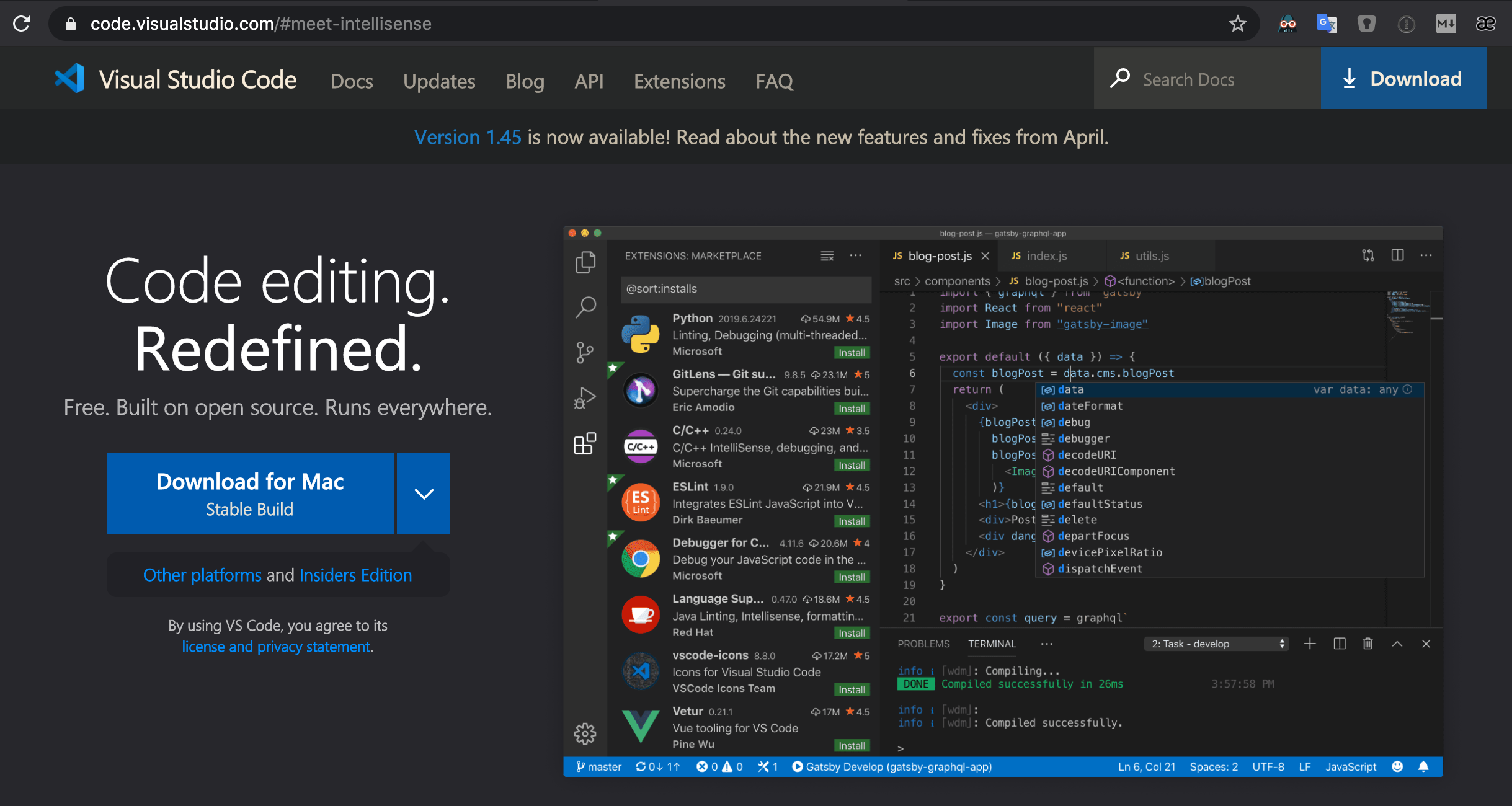
Following are extensions I recommend:
Git + GitHub
- What is Version Control?
- It is similar to a ...
- checkpoint a video game - Where you save a point in the game
- Google Docs - where you write & save with your team members
- It provides the following key features
- History - Keeps track of all the changes made to the files over time
- Teamwork - Allows for multiple people working on the same project at the same time
- Backup - Allows for easy file and folder recovery
- It is similar to a ...
- What is Git?
- Git is the actual software that provides the version control to manage software development
- Started in 2005 as a tool to manage Linux kernel development
- Free & open-source distributed version control system
- What is GitHub?
- Github.com is a collaboration platform
- Web-based git repository hosting service.
- i.e. hosts the 'remote repositories'
- Founded in 2008 and now a Microsoft subsidiary
Create a GitHub Account
- Create a GitHub account --> github.com
- Add 2-Factor Authentication (help doc)
- Go to GitHub Settings:
- Profile Photo > Settings > Security > Two-factor authentication
- github.com/settings/security
- Go to GitHub Settings:
- Install an Authenticator App:
Install GitHub Desktop App
- By far the easiest way to manage your GitHub repository on Macs & Windows
- You do not need to use the Command Line to manage your files.
- Download: https://desktop.github.com/
- "Focus on what matters instead of fighting with Git. Whether you're new to Git or a seasoned user, GitHub Desktop simplifies your development workflow."
If you want to use the git command on your MacOS terminal:
Install Git - MacOS
- Ref: https://git-scm.com/book/en/v2/Getting-Started-Installing-Git
- Do you have Homebrew?
- If not, install Homebrew first: https://brew.sh/
- If so, be sure to upgrade it:
brew update && brew upgrade
- Install git with Homebrew:
brew install git - Confirm installation:
git --version - Expected result:
git version 2.26.2
Install Git - MacOS - Potential Issue
- If you get the following result:
git version 1.7.10.2 (Apple Git-33) - Try
brew link --force git - Or Try:
export PATH=/usr/local/bin:$PATH
Step 1 - What is HTML & CSS anyway?
Where to learn?
List of resources to learn HTML & CSS:
- progate's HTML
- Introduction to HTML by MDN
- HTML Periodic Table - lists all HTML tags in the form of a periodic table, making it easy to learn/use them.
- HTML Cheat Sheet - Learn with templates
- khanacademy's Making Webpages
JavaScript Tutorial for Beginners: Learn JavaScript in 1 Hour [2020]
Video Tutorials:
- Intro to HTML & CSS - Tutorial | FreeCodeCamp.org
- HTML Full Course - Build a Website Tutorial | FreeCodeCamp.org
What is HTML?
- HTML stands for Hypertext Markup Language
- HTML is not a programming language
- Instead, it is a markup language that tells web browsers how to structure the web pages you visit.
- It can be as complicated or as simple as the web developer wants it to be.
- HTML consists of a series of elements, which you use to enclose, wrap, or mark up different parts of content to make it appear or act a certain way.