Microsoft Feedback Button
How Microsoft 365 Apps and Edge collect quick feedback through an in-app Feedback button.
Microsoft 365 Apps and Edge all have a Feedback button that provides a quick way for their users to submit a comment or suggestion. Microsoft Doc
Where the button lives
Microsoft Feedback Button icon:

Edge's menu: Hamburger button > Help and Feedback > Send Feedback
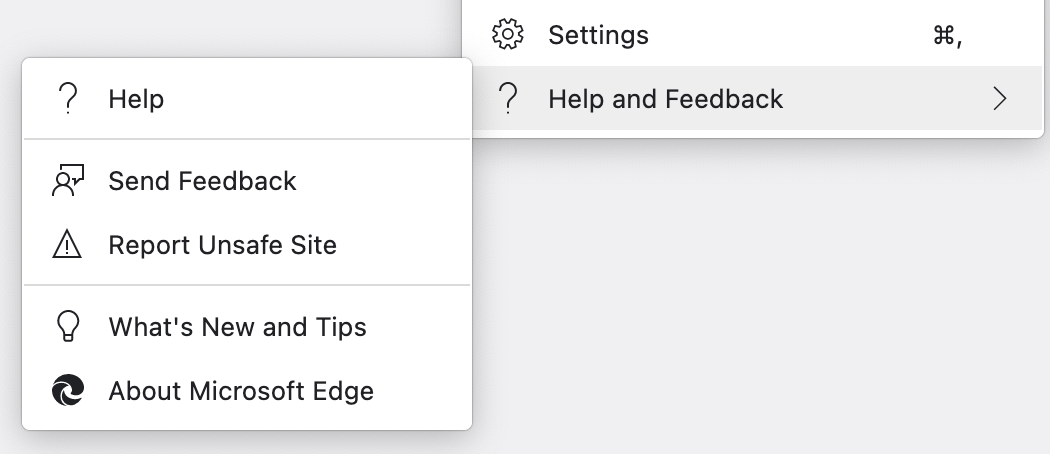
Microsoft 365 Apps (Word, PowerPoint, Excel, OneNote):
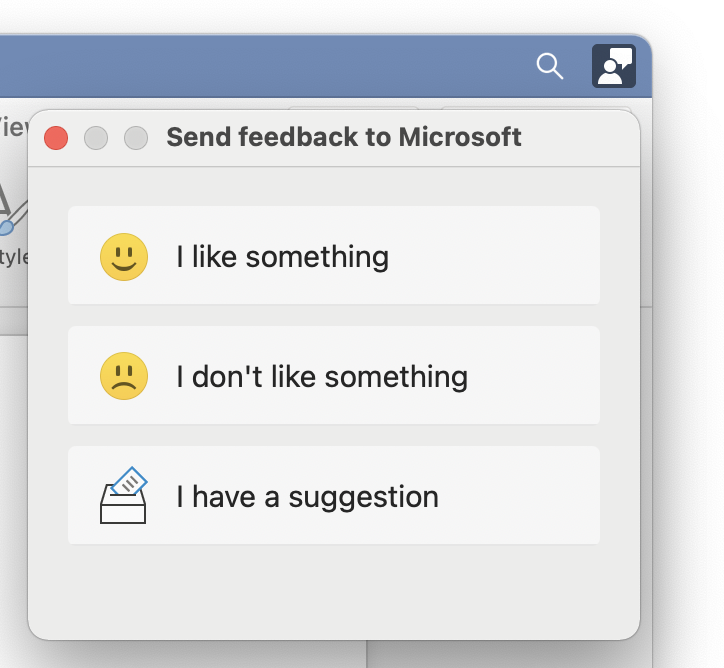
Feedback options and flow
Send feedback to Microsoft:
- 😃 I like something
- 🙁 I don't like something
- 🗳️ I have a suggestion
When an option is clicked, a form opens with the title of the option. Following is the example for I like something:
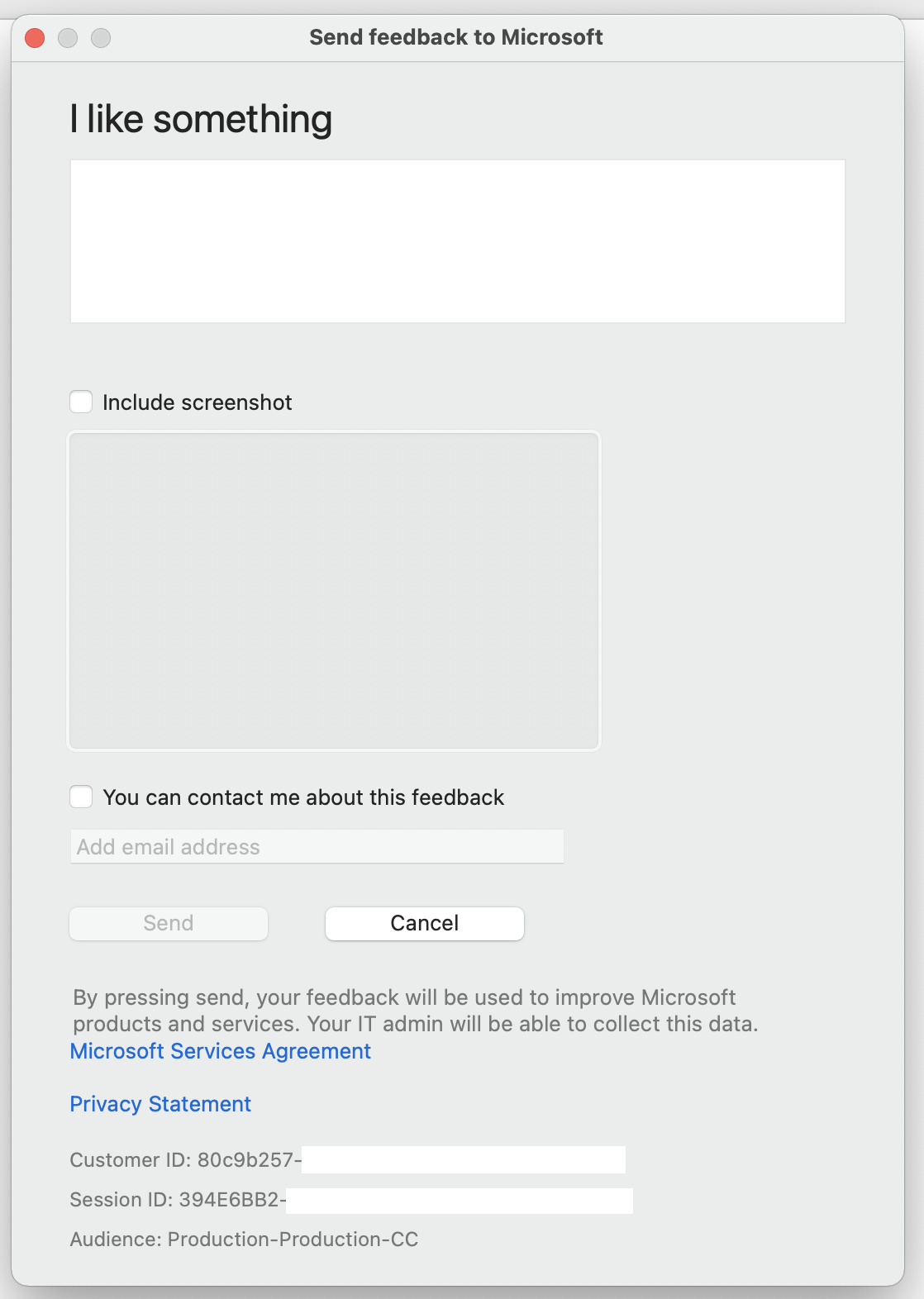
Top bar: Send feedback to Microsoft
H1: I have a suggestion
Checkbox: Include screenshot
When the checkbox is clicked, a screenshot of the app is taken automatically
Checkbox: You can contact me about this feedback
When the checkbox is clicked, the email field is available for input
Final buttons: Send or Cancel
Details provided below:
By pressing send, your feedback will be used to improve Microsoft
products and services. Your IT admin will be able to collect this data.
Microsoft Services Agreement

Privacy Statement

Customer ID: 00x0x000-xxxx-0x0x-0000-0xx000x00000

Session ID: 000x0xx0-0000-0x00-0xx0-0xx00x0000xx

Audience: Production-Production-CC